That’s New
Comments
-
@peedee yes, on an iPad, so guessing this is the IOS mobile version. That’s the page set up I used to have, and it’s so much easier to use, interact with. I haven’t changed anything on my IPad settings, it must be down to something via club tech. The colours are just incidental, I always have a green club colour at the very top on this website. I don’t use my phone (an IPhone )for browsing on here.
Are you accessing CT via main Club website? I have a given page saved to My Favourites on my IPad, just wondering about this as well. I still cannot access Bookings page on my IPad if I try, according to Club it’s my chosen Browser, but I have tried others and no joy. Not a Member at moment, so not an issue.
0 -
interesting……..my updates are up to date, but I wonder if it’s because my iPad is getting on a bit now🤔
0 -
If I try to log into main Club website, rather than just Club Together, website doesnt recognise my password, yet I know it is right. Must be something to do with CT being on a different platform?🤷♀️ I rarely go into main Club website.
0 -
Mine is the same as this, on my Kindle, the only colour is a red number showing the number of new notifications, which disappears when I select them in turn or clear them. On my I phone once I have selected Discussions in the drop down menu I have page headed Community Discussions below which in red are Home > Discussions then the headline Recent Discussions
0 -
The verification process for me has got worse; I use Chrome for CT and leave the CT tab open. Previously I got in no problem, then the verification page started coming up, but that then let me in. Now I get another page telling me it's taking longer than expected and to refresh the page if the problem persists. Refreshed the page several times, but with the same message every time.
The only way I could get in was to start from scratch, open CAMC website and go into CT that way. Getting in from an already open tab directly to CT no longer works for me as the verification process just won't let me.
Another odd thing last night was that initially I went to Firefox (which I normally use, but had to use Chrome for CAMC and CT as since the update I had problems) to see if that would work, and in Firefox I got the Essential Maintenance message, so put it down to that. Went back to Chrome to try again, and got in via the method described above, and hey presto, no Essential Maintenance message! All very odd.
1 -
If this problem persists for any length of time and members are finding it increasingly more difficult to access CT then guess what is going to happen? Yep, numbers of contributors will decline so I hope that @Rowena can impress upon the IT department to get to the bottom of this and find a solution asap.
3 -
@Wherenext I must admit that at first I didn't bother again last night after trying to refresh the page several times. But after a while I tried again (don't like being defeated by a computer!) which is when I encountered the Essential Maintenance bit.
I agree with you, it's obviously a problem, and if people can't access CT then they'll give up and won't bother.
@Rowena a request from me too, for the IT department to get to the bottom of this please. Thank you.
0 -
Could this be yet another way by which those at HO are reducing the number of those who post on here to a level where they can turn round and say that CT is no longer worth continuing with because of so few contributors?
0 -
They wouldn’t have gone to all the trouble and expense of launching the new forum if that was the case, Nellie. They would simply have pulled the plug on the old one. I wish I had a quid or every time you’d said that😂
1 -
Maybe they thought that by creating the new format there would be many more contributors, which obviously hasn't been the case, just the reverse, and they do not want to admit that it has not worked as well as they wished so are just letting this fade away to oblivion.
0 -
Would Ro keep posting threads promoting discussion if that was the case?😂😂😂
1 -
I kept an eye on differences in usage regarding new and old posters and I've not noticed any at all. The same old (don't mean in a negative way) posters who were posting before are still posting and there are some newer regular ones as well.
However there are many 'new' posters that post only when and if they have a specific issue or problem with their outfit/holiday and once the issue/problem is answers they don't post again for a while.
I think it's worked well, have people forgotten the daily old server errors already?
But I must say I feel I'm missing out of this captur thing as I've never seen it - I want to know I'm human and this isn't some 'matrix'. I also have had no problems with the @ function either, but I do use either a main computer, my tablet with google while away or my android phone.
As as I've posted before if it does fade away into oblivion, so what? It's nice to have but not really what I joined the club for, or why I keep rejoining.
0 -
@Takethedogalong I was using my Android tablet quite a bit the last few days and I noticed I get the exact same screen as you point out. I have been checking a bit further and found out there appears to be two user interfaces available. On logging in it appears like this
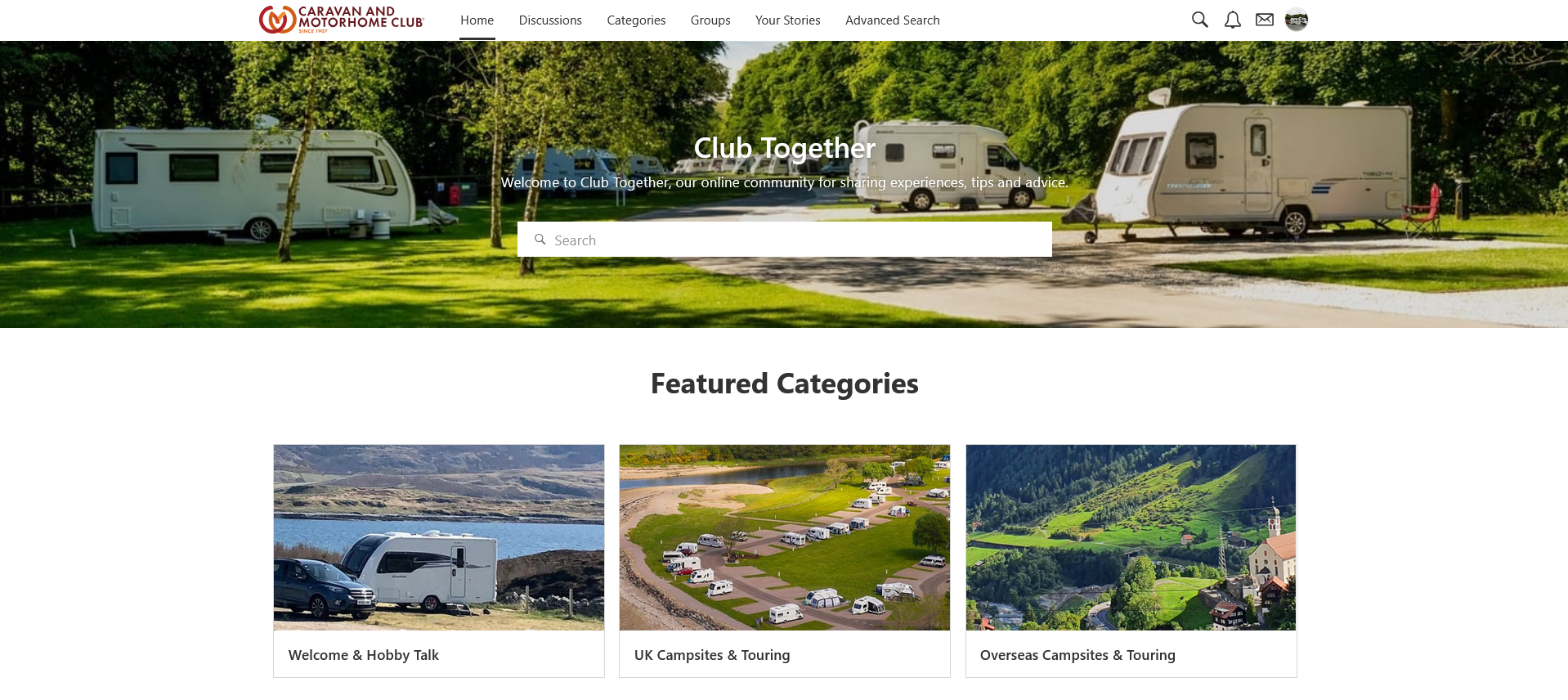
but if I rotate the tablet 90 degrees into portrait mode the user interfaces changes to this
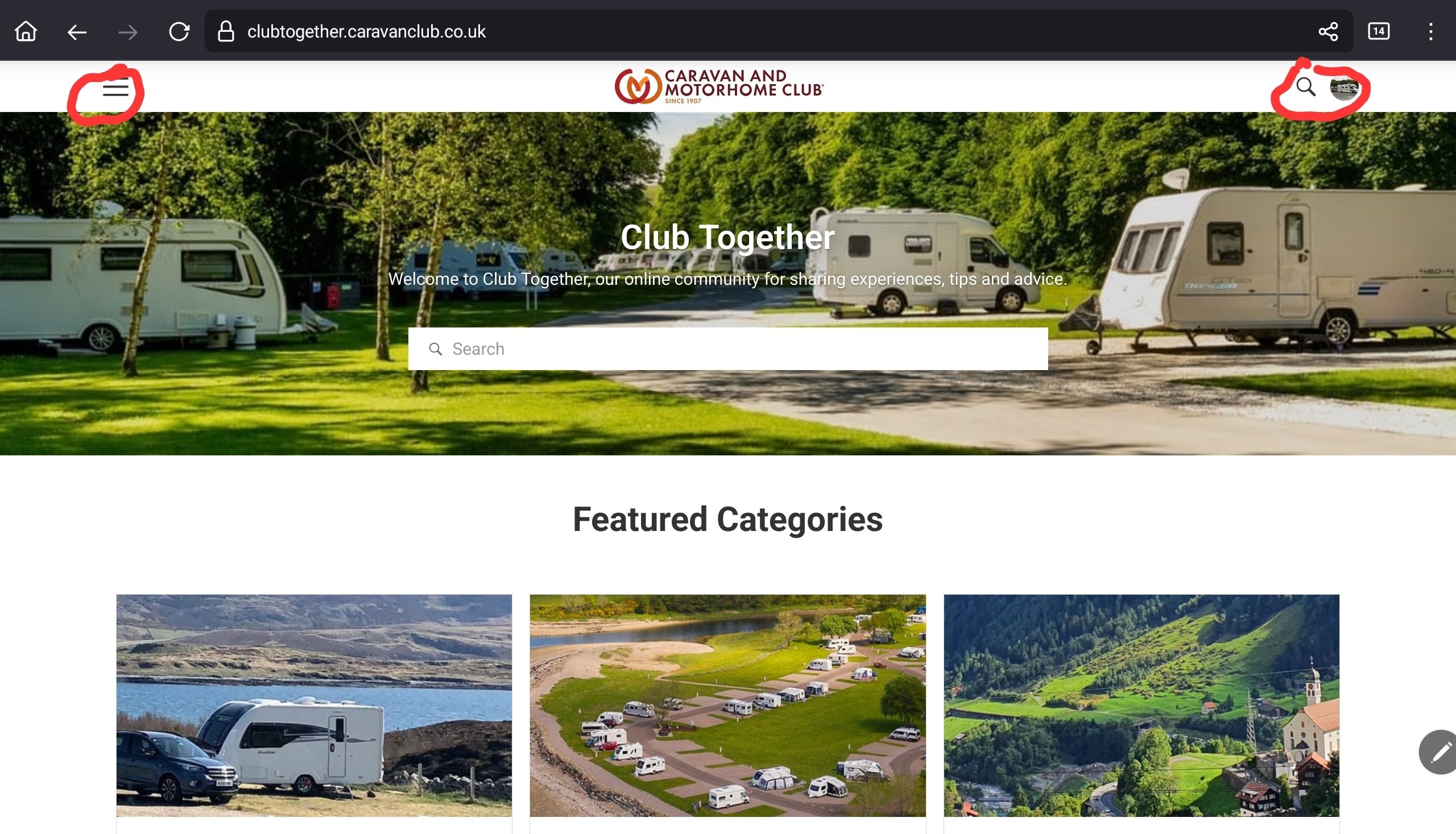
the same as you show and it stays like that when I rotate it back to landscape????????????????
Work that one out!
peedee
1 -
I use Discussions rather than Home - it seems simpler and less cluttered.
Many sites change if you swap between landscape and portrait. I guess it’s a matter of fit. Anyway, it’s of no matter really.
1 -
On my Android phone, small screen, it always comes up like this
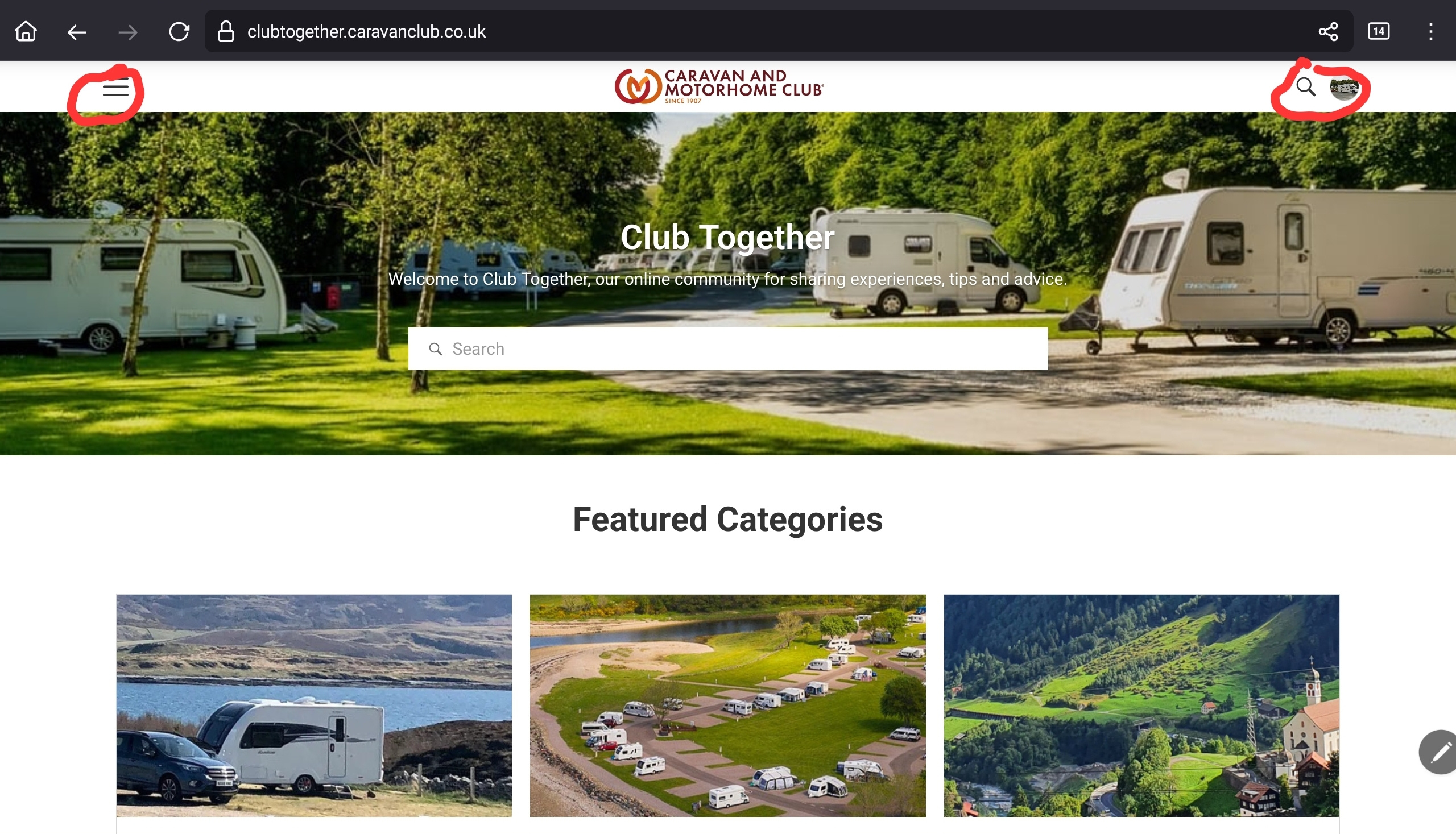
@Tinwheeler I was just trying to highlight that as far as I can see there is nothing wrong with the iPad @Takethedogalong was using.
peedee
0 -
Ah, that’s a much simpler sentence, PD😂
1 -
@peedee interesting and yes, that’s what I am getting, for a brief second, the older, original layout flashes up on my IPad, but then it reverts to this layout, so I am getting the same layout on my iPad regardless of orientation. I use my iPad in Landscape, not portrait, but still getting the second layout. If anyone more techie than me can tell me how to alter this, I would be grateful. If it’s possible of course.
Edit, just tried a few obvious things including the Genesis option (Turn it off, Turn it on again!🤣) Log out, log in again, and the original screen face is indeed there, flicks up then reverts, no matter what orientation. I want to try accessing via the main Club website, but it’s not recognising my password. I know there are two passwords, and have them saved.🤷♀️
0 -
Sometimes playing with the font size alters what you see, @Takethedogalong. I set mine at 125% for comfort and it can change more than the font itself.
 0
0 -
Well I have changed my Club Website password, and that’s working ok, but still no joy on getting back to old screen layout if I try to go into CT via website, yet it logs in ok. I think it’s something at Club end, and not me. 🤷♀️
0